Trading Accounts
Customers can open live or demo trading accounts directly from their cabinet.
Open New Account
- Log in traders room
- Go to
Accounts->Create Account - Select account type:
DemoorLive - Choose
Leverage - Click Create Account button.

After successfully creating trading account, you will receive account credentials by email:
- Login
- Password
- Master Password
info
Please save this information safe area and delete message from your inbox for securtity purpose
List of Accounts
In order to see all of your trading accounts.
Go to:
Trading Accounts->List of Accounts
Here is list of all accoutns, with additional live info.
- account type (Demo or Live)
- Current Balance
- Trading Server
- List of Operations
Trading History
Our traders room is directly connected to MetaTrader 5 Platfrom, and all trading informations is avaiable on the web.
You can see all of your trading history by navigaiting:
Accounts->Trading History
or Single account details by clicking Details button on trading accoutns table.
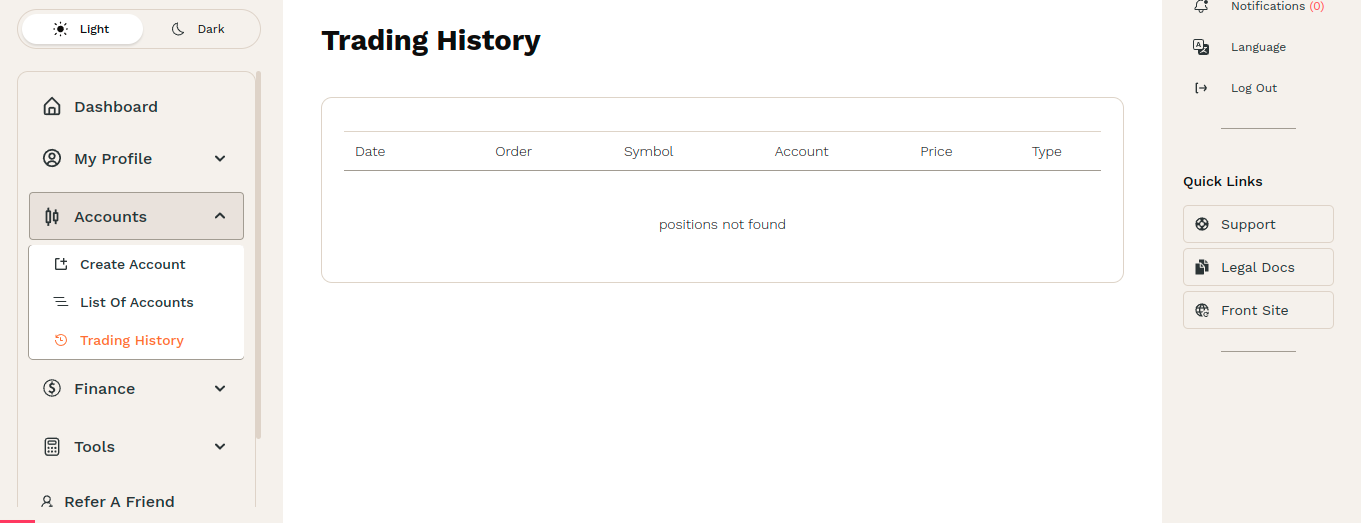
Here trades can see every orders \ positions in details:
- Symbols
- Swap
- Commissions
- Lot Size
- Profit \ Loss
- Opening and closing time
- Opening and closing price